
September brought a chat room for every app on Jest, new ways to connect with users and act on their feedback, and public build notes to announce key updates. Jest Ads also opened in invite-only beta, and a redesigned launch checklist makes it easier to see what’s required to publish your app or apply to the Jest Fund.
More ways to connect with users
A chat room for every app. Every published, public app with an active build now has its own chat room, accessible from the chat panel inside your app or at jest.com/chat/g/<your-app-slug>.
As Jest has grown, the single global chat got busy enough that conversations about any one app were easily lost in the stream.
Now talk about your app has a home of its own: users can ask for guidance, compare progress, and flag what’s broken in one place, and you always know where to find them.
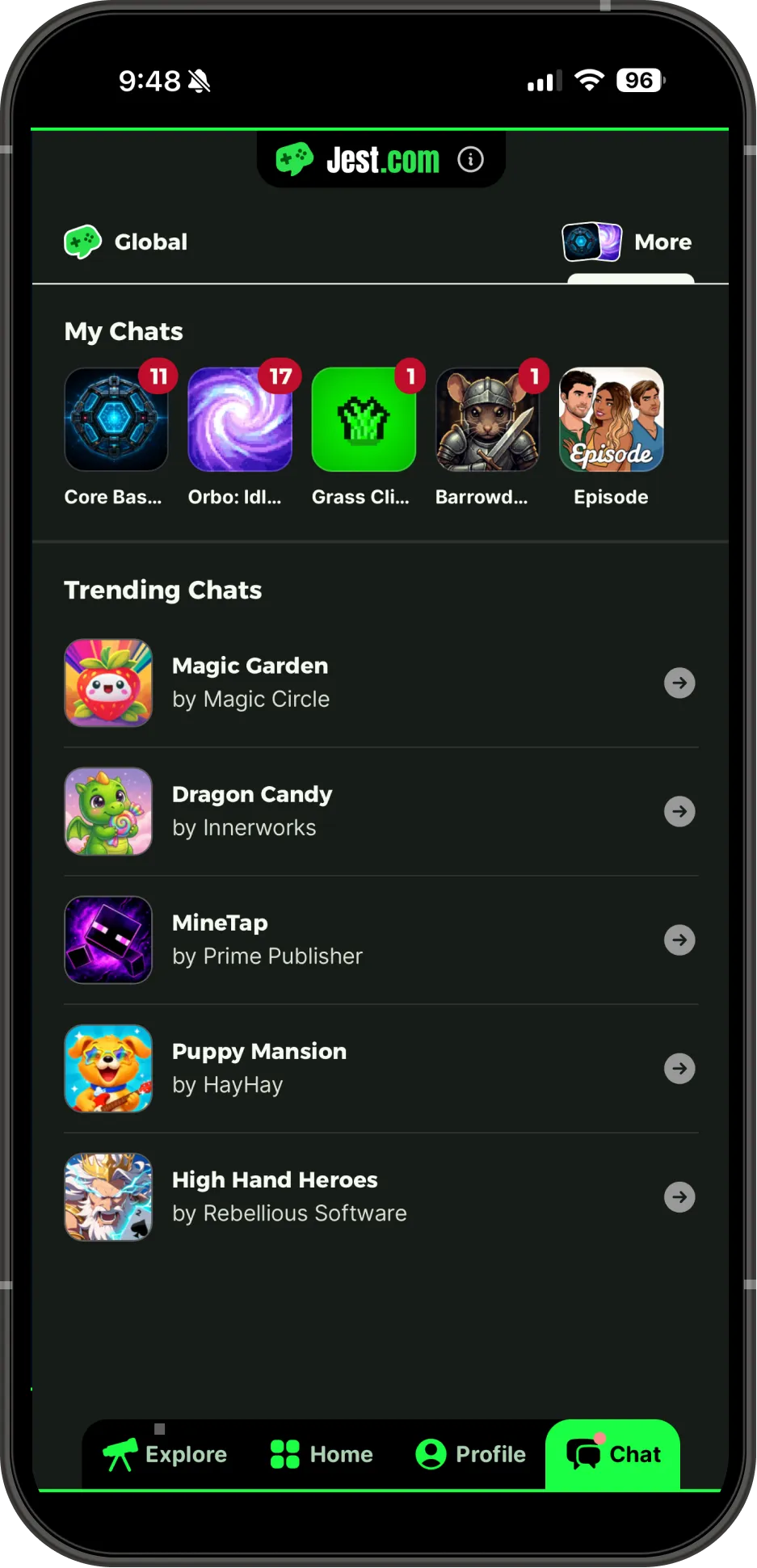
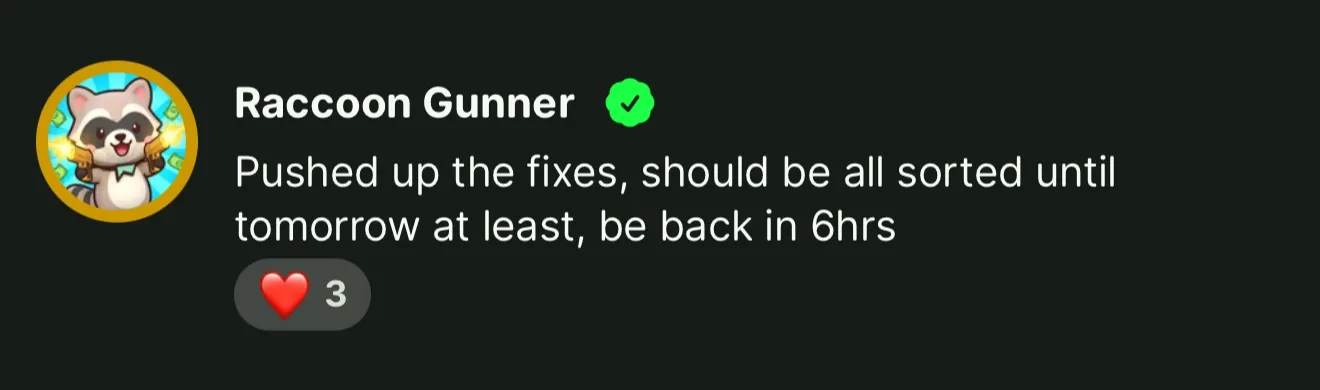
Post as your app. Admins and Editors can use the Send as dropdown next to the message box in their app’s room. Messages appear under the app’s published name and logo, with a verified badge, so users can distinguish official answers from other messages. → Post as your app
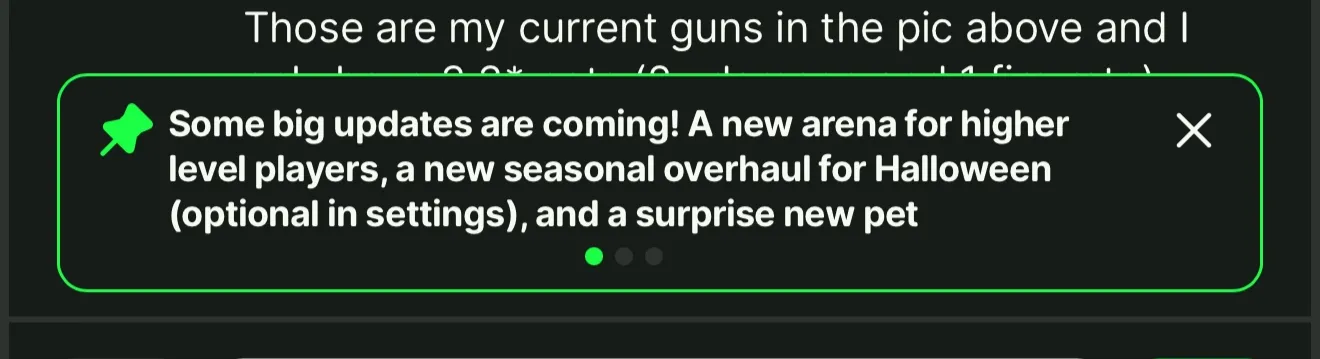
Pin what matters. Anyone who can post as the app can also pin up to three messages in its room. Users can swipe through pinned messages to find important updates.
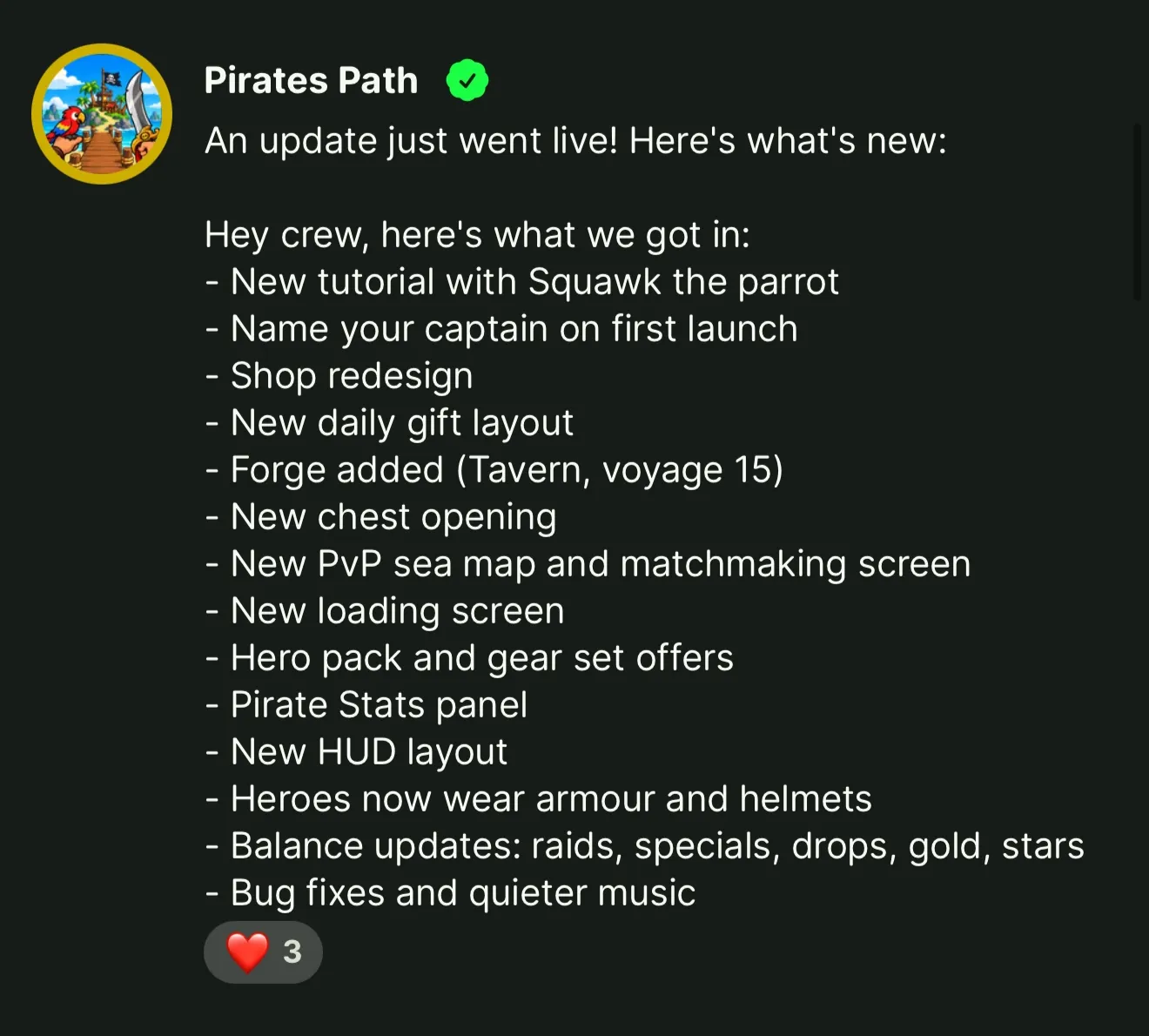
Share build notes. When you upload a build in the Developer Console, check Share build notes with players to automatically post your notes in the app’s chat room when the build goes live.
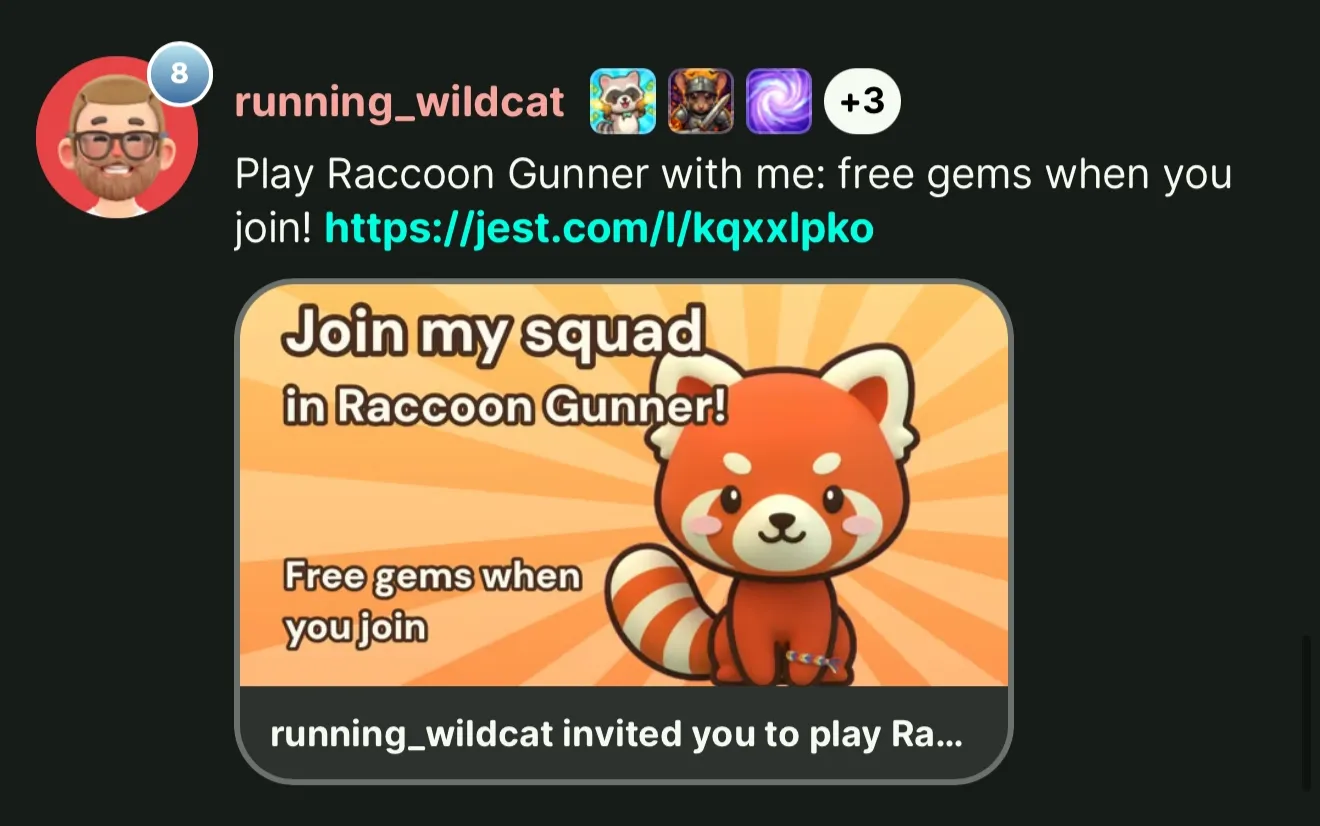
Link previews. When you or your users paste a link to a Jest app into chat, whether an app page or a short link, it now appears as a preview card that’s far more inviting to tap. Referral links use the referral share image you’ve configured. If you haven’t set a custom shareImage for your referral links, now’s a good time. → Personalized link previews
Actionable user feedback, without monitoring chat
Every app in the Developer Console now has a User Feedback tab. Jest automatically identifies public chat messages that report bugs or request changes and attributes them to the relevant app.
Each item includes the user’s original message, the message they were replying to, and a link to User Lookup if they’ve used your app. You can also set a status on each item to track what you’ve addressed.
You don’t have to check the tab manually. A daily email digest is enabled by default for every app with a live chat room. Switch to weekly emails or turn them off for an individual app, or unsubscribe yourself from Settings. A quiet day sends nothing.
If you’ve connected an AI assistant through MCP, it can read the same feedback and update statuses when your access is set to Read & write.
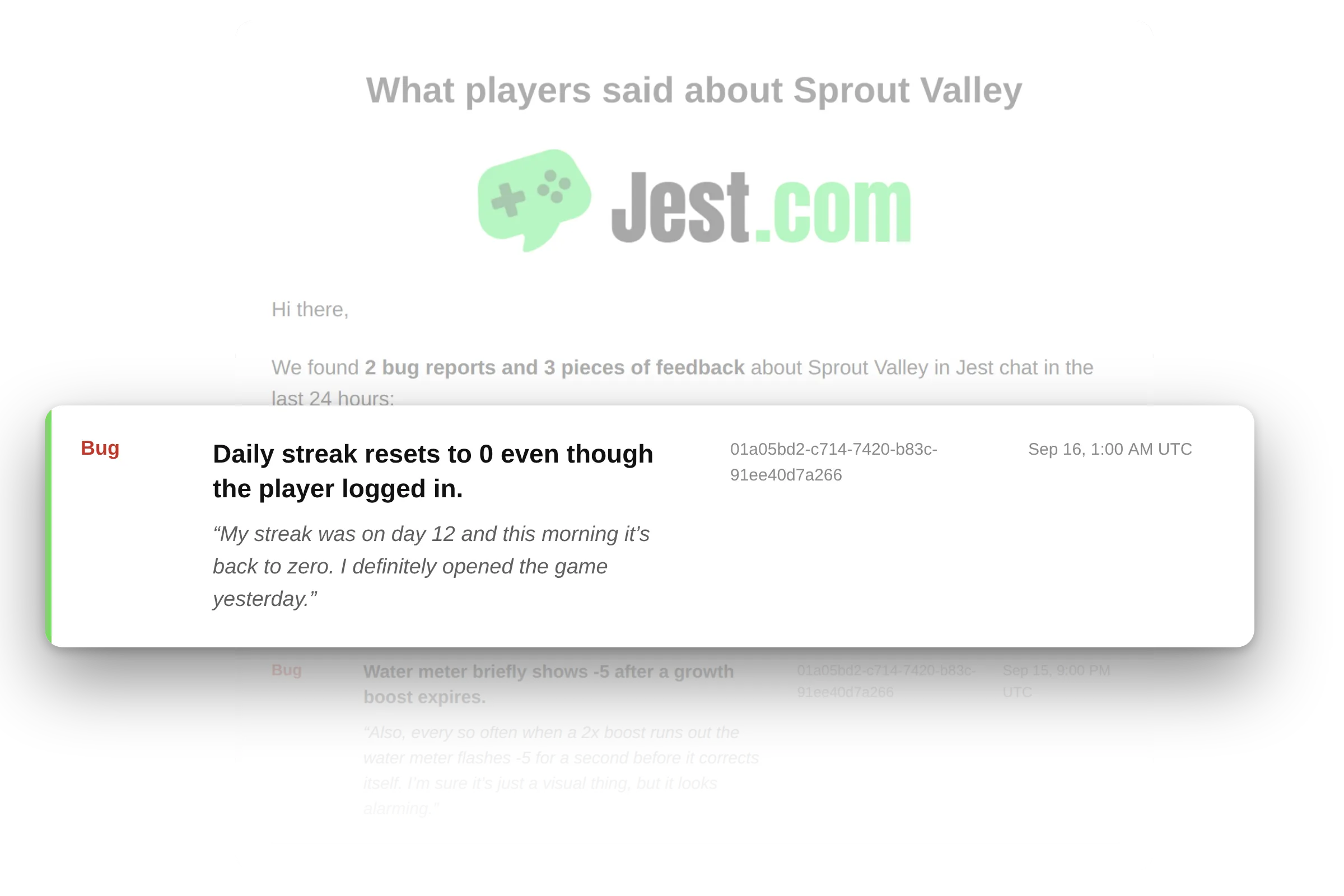
The daily email digest: what came in during the past 24 hours, delivered straight to your inbox.
Note: the tab is for tracking feedback, not replying to users. To respond, head to the app’s chat room and post as your app. → User feedback · MCP
Jest Ads, in invite-only beta
Jest Ads is Jest’s own ad network, now available in invite-only beta. The first placement is the top card in Explore, marked Promoted.
You pay when a registered user enters your app from an ad, at most once per user, per app, per day (Pacific Time). Ad views and guest entries are free.
To launch a campaign, set a bid per entry (starting at $0.25) and a daily budget, then choose an approved showcase image or video. If you don’t select one, your app’s hero image is used. You can also pass an optional entry payload to your app, taking users straight to the mode or experience featured in your ad.
Reporting includes impressions, CTR, billed entries, and daily spend.
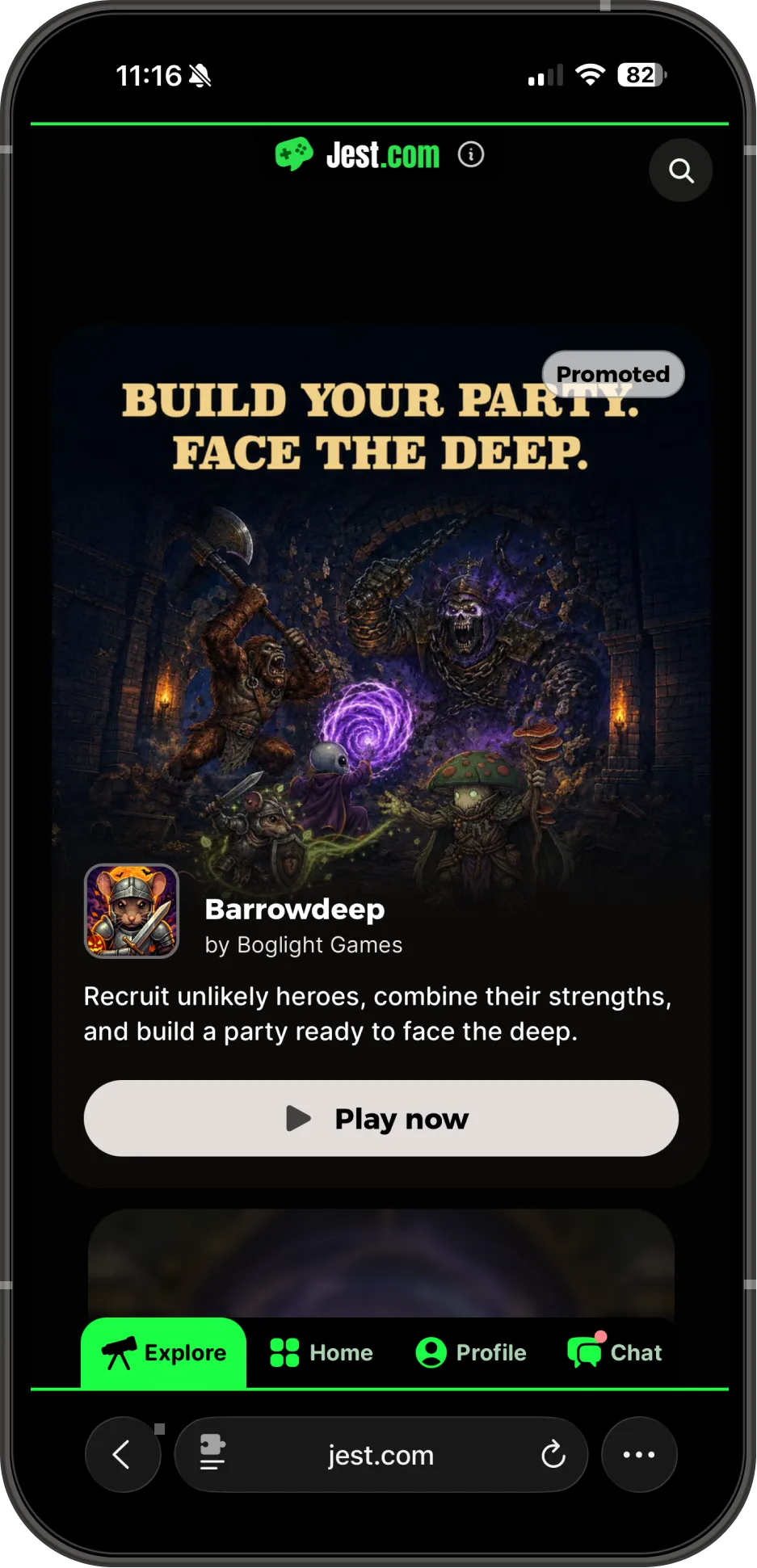
Manage everything in Ads Manager in the Developer Console. Campaigns only deliver while your account has ad credits, granted through the Jest Fund or a direct invitation from Jest.
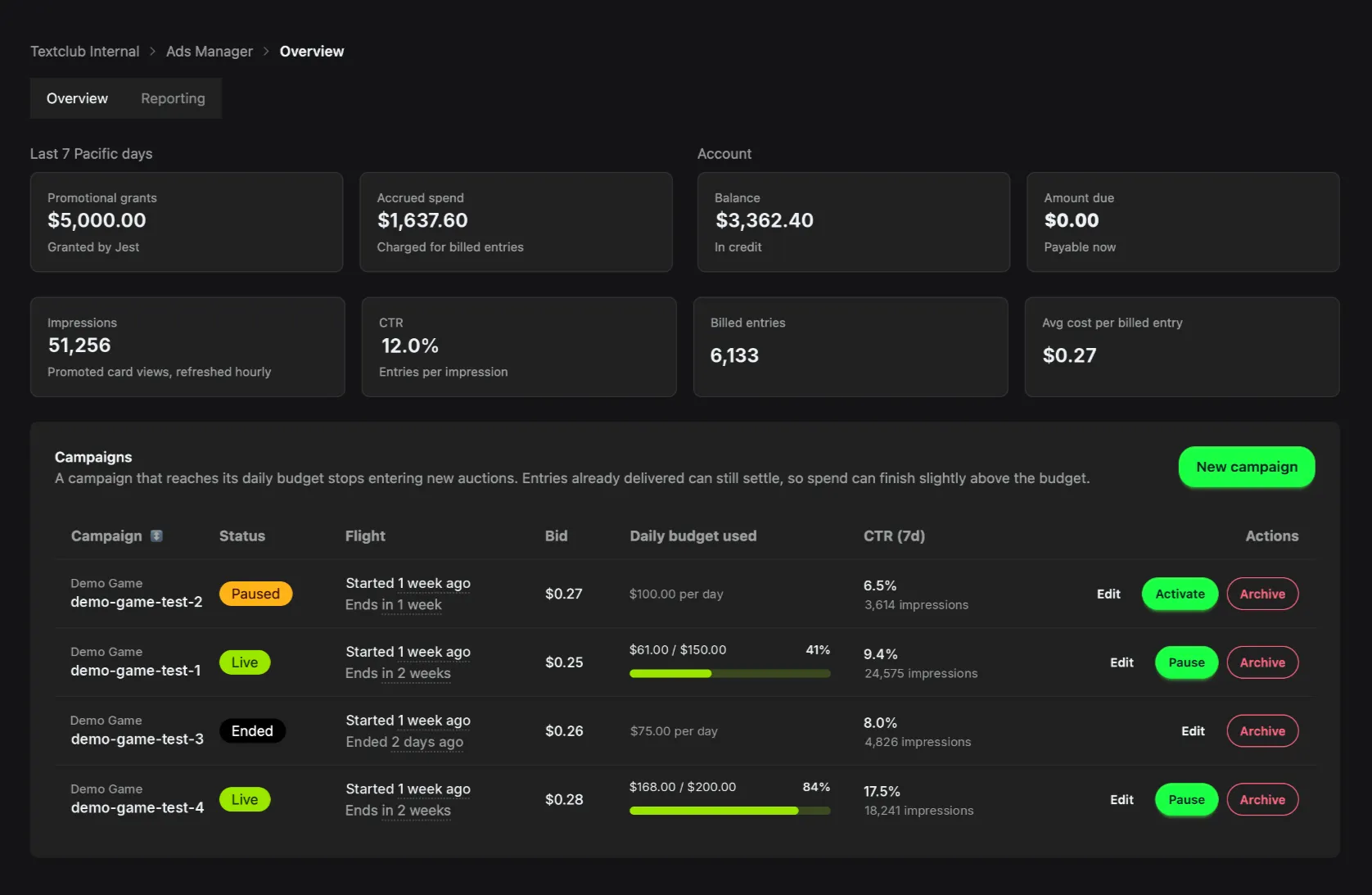
The Overview tab in Ads Manager, showing credit balance, spend, and every campaign with its status.
Curious to try Jest Ads? Reach out to your Jest contact to ask about joining the beta. → Jest Ads
A clearer path to publishing on Jest
The launch checklist is now split into three tracks, making it easier to see what’s required for your goals:
- Basic Launch covers the minimum requirements for publishing on Jest. Missing any required item will fail review.
- Jest Fund covers the additional requirements for a Fund application. You can see exactly what’s needed beyond Basic Launch, and your app can still be approved and published without meeting these additional requirements.
- Recommended covers improvements that can create a better user experience and strengthen a Fund application. None are required to publish.
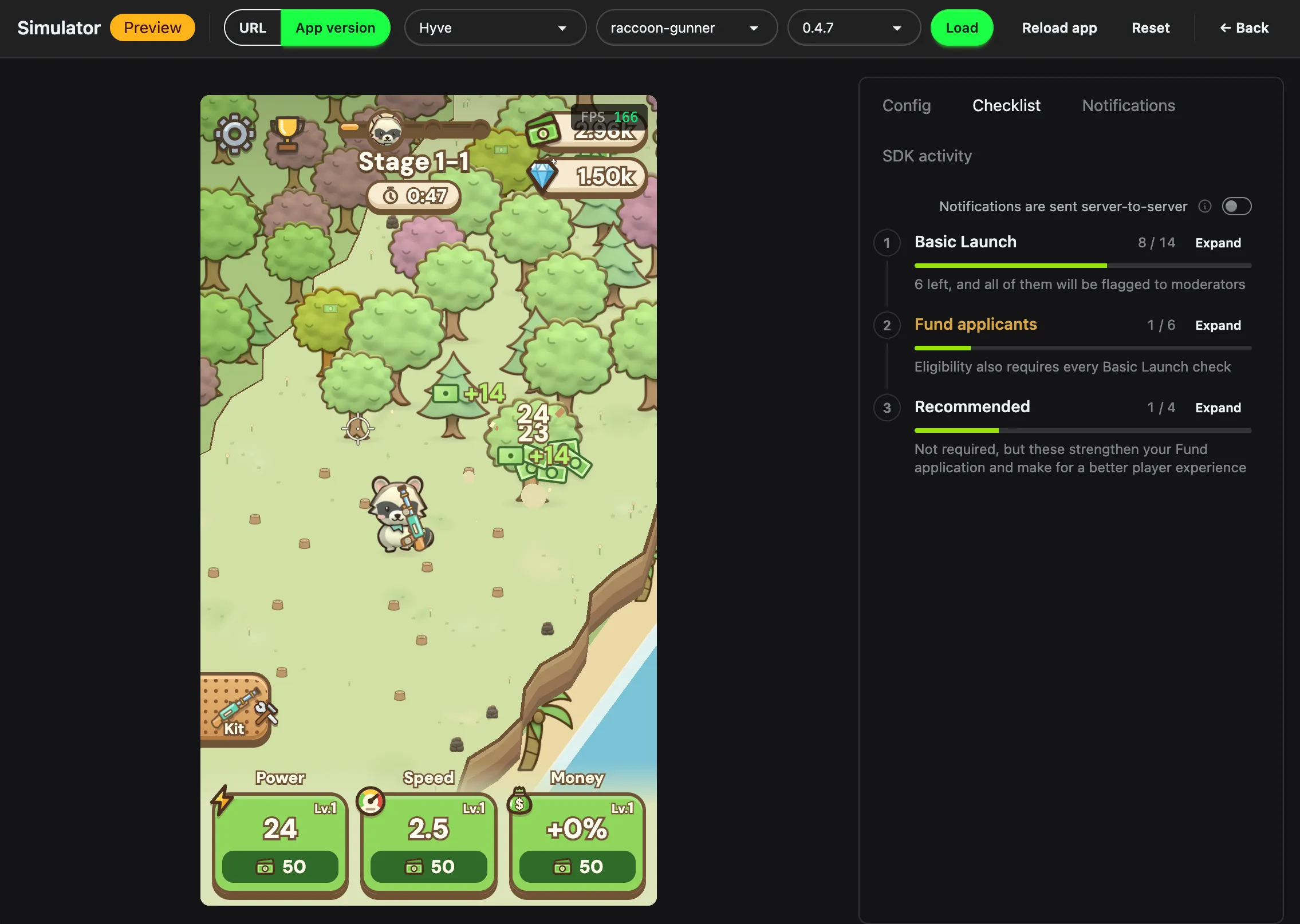
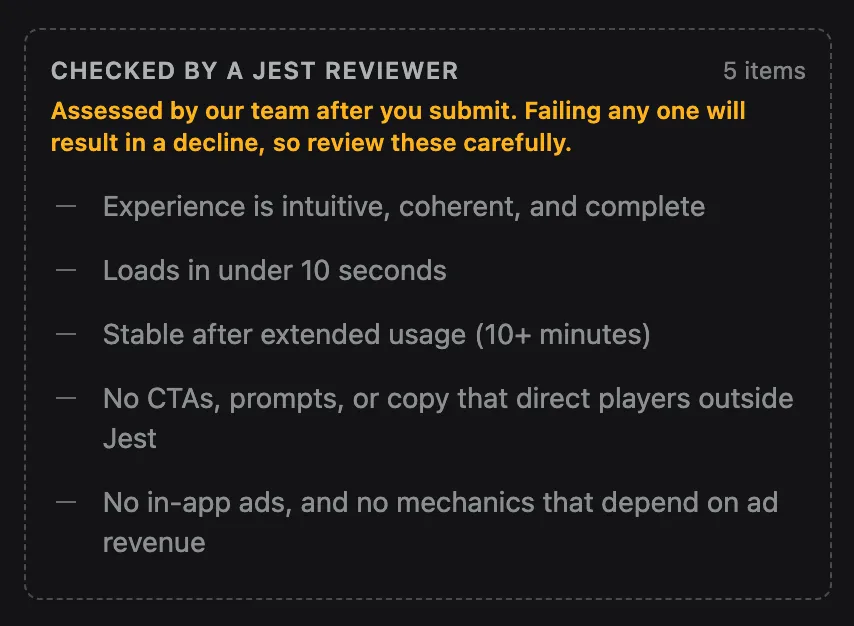
In the Simulator’s Checklist tab, automated checks show live pass or fail results under their respective tracks. Requirements assessed manually by a reviewer are clearly marked, so you’re reminded to check them against your app before submitting.
Also, if your backend schedules notifications through the Jest API rather than the SDK, you can now enable Notifications are sent server-to-server to skip the automated notification checks.
After review, your app’s new Review tab shows every requirement assessed manually, along with the verdict, reviewer comments, and any attached screenshots or recordings. This information is available for both approvals and rejections. → Launch checklist · Review and moderation
Other updates worth knowing
- Share images from your own buttons:
JestSDK.social.shareImage(options?)opens the same share sheet as the screenshot button in the Jest footer, from a button in your own UI. Let users post their latest run score to brag about it in chat, or share a picture of their garden and invite others to come visit. Omitimageto share a capture of your canvas (or your screenshot provider’s image, if you’ve registered one), and passentryPayloadto attach a link that opens your app with that payload, so you can take whoever taps it straight to a specific mode or experience. Unity supports this throughShareImage. → Sharing images - Earnings API, for selected teams:
GET /api/v1/teams/{teamId}/earningsprovides a machine-readable feed of recognized transactions your team earns from as an app publisher, a studio that acquired a paying user, or both. Responses include gross and net amounts, platform fees, publisher and acquirer shares, and your total share, all in USD cents. Transactions remain revisable (locked: false) until monthly revenue locks. Filter bysince,until, andlockedto sync with your accounting system. Access requires a personal access token withbilling:read. Tokens are still rolling out, so contact the Jest team to request access. - Same-day notifications:
scheduledInDaysnow accepts0, scheduling a notification for 10 minutes from now. The seven-day limit is unchanged, and requests that include bothscheduledAtandscheduledInDaysare now rejected. → Schedule a notification - Unlisted visibility: Apps can now be Unlisted, alongside Public and Hidden. Unlisted apps remain accessible to users who have already found them, including through Home, recents, and notifications, but don’t appear in Explore, recommendations, the sitemap, or SMS app suggestions. It’s a useful option if you discover a critical bug: new users stop finding the app while you fix it, without cutting off existing users. Switch back to Public when you’re ready. → Create an app
- Preview screenshots in mock mode: The JestSDK debug menu now has a Screenshots section showing exactly what your screenshot provider returns. The registration overlay also renders in mock mode, so you can check both before opening the Simulator. → Mock mode
Find full details for every change in the changelog. New to Jest? Start with the developer docs.